Does Changing Your Airbnb Photos Hurt Your Ranking?
Changing your Airbnb photos doesn't reset your ranking under anything Airbnb publishes. What Airbnb says drives search, and a safe way to update photos and measure the result.
A lot of hosts sit on bad photos for months because they're afraid of one thing. They think touching the gallery will knock the listing back to page five.
That fear doesn't match anything Airbnb has published. Here's the short answer, then what Airbnb actually says about ranking, then a way to change your photos that tells you whether it worked.
Does changing your Airbnb photos reset your ranking?
No, not under anything Airbnb publishes. Airbnb's guide to how search works doesn't mention any reset for editing photos, and it treats photos as one of the things that help Airbnb judge a listing's quality.
The same guide says that "high-quality photos may improve your prominence within a category." Note the word "may." Airbnb doesn't promise a ranking change for better photos either. But nowhere does it say new photos are punished.
What actually decides where your listing shows up?
Price, quality and popularity, according to Airbnb. It says those three "heavily influence how a listing shows up," and that not every factor is weighed equally.
- Price. Airbnb says the algorithm prioritizes the total price before taxes, including fees and discounts, compared with similar listings nearby. Your nightly rate alone isn't the number guests compare.
- Quality. Photos, guest reviews and other characteristics help determine it.
- Popularity. How often guests book your listing, visit your listing page and add it to their wishlists.
- Availability and responsiveness. More open dates, fast replies, accepting requests, Instant Book and fewer minimum or maximum stay limits all help you match more searches.
Look at where photos sit in that list. They feed quality directly. They also feed popularity, because a stronger thumbnail earns more taps on your listing page and more wishlist saves. That's the real link between photos and ranking. It's slow and indirect, and it works in your favor when the photos get better.
Then why do hosts see a drop after changing photos?
Usually because something else changed at the same time, or because the new photos are worse at thumbnail size. Most hosts update photos when bookings are already slow, and they often change price, minimum stay and the title in the same week. When the numbers move, the photos get the blame.
There's also the thumbnail itself. Hosts in Airbnb's Community Center report that search sometimes shows a photo they didn't pick as the cover. Airbnb hasn't published how that works. In practice it means a weak photo near the top of your gallery can end up as the first thing guests see, so judge your top photos as a set, not only the cover. Our guide to ordering your cover and first photos covers that in detail.
How do I change my Airbnb photos without guessing?
Change one thing, hold everything else steady, and measure for two weeks. That's the whole method.
- Write down your baseline. Open Insights and note views and bookings for the last two weeks. Note your price and minimum stay too.
- Download your current photos. If you want to go back, you'll have the originals.
- Change the photos only. Leave price, minimum stay, title and description alone for the test window.
- Start with the top of the gallery. Your cover and the next few photos do most of the work in search. Our breakdown of the first five Airbnb photos explains what each slot should show.
- Check it the way a guest would. Log out, or use a private browser window on your phone, and search your own dates. Look at your thumbnail next to the listings around it.
- Wait about two weeks, then compare. Same length of time, same metrics. If views went up and bookings didn't, the photos are earning the tap and something else, often price or the details, is losing the booking.
If your listing isn't showing up at all, photos aren't the first thing to check. Start with this 30-minute search visibility check instead.
Should I update photos when the season changes?
Yes, if the season changes what guests will see. A summer garden photo in January sets the wrong expectation, and Airbnb's guidance to refresh your listing is to use current images of every room and shared space.
You don't need a full reshoot every season. Retake the photos that changed, like exteriors, patios and views, and keep the color and brightness consistent with the rest of the set so the gallery still looks like one place. Some hosts reshoot on a phone and run the set through photo enhancer software for Airbnb listings to match the light and color of an older professional shoot. Whatever tool you use, check that it only fixes light and color on the listing photos. Airbnb's ground rules for hosts don't allow edits that misrepresent the space, and our guide to what AI edits Airbnb allows spells out where the line is.
Do the photo tour and captions matter too?
They matter to guests, and Airbnb hasn't said how much they matter to search. When you build a photo tour, Airbnb says its AI sorts your photos into 19 types of rooms and spaces, and anything it doesn't recognize lands under Additional photos.
So after you upload new photos, open the photo tour and check where each one landed. A bedroom filed under the wrong room, or a room with no photo at all, is the kind of gap a guest notices. Add a short caption wherever the photo can't explain itself, like which floor a bedroom is on or which bathroom is shared. Airbnb asks for clear descriptions of each photo, and they cost you nothing to write.
Should I delete and relist to start fresh?
No. A new listing starts with zero reviews, and reviews are one of the things Airbnb names as part of quality. Updating the photos on your existing listing keeps your review history. Starting over throws it away.
If your calendar is slow and you suspect the listing is better than it looks online, this guide to checking whether your photos undersell a good place is the next step.
Sources
- Airbnb Resource Center: How search works on Airbnb (updated Nov 21, 2022)
- Airbnb Resource Center: Refresh your listing (updated Nov 18, 2024)
- Airbnb Help Center: ground rules for hosts
- Airbnb Community Center: host thread on cover photos changing in search results
FAQ
Does changing photos reset my Airbnb ranking?
Nothing Airbnb publishes says it does. Airbnb's guide to how search works lists price, quality and popularity as the main factors, and says photos help determine quality. It doesn't mention a reset for editing photos.
How often should I update my Airbnb photos?
Whenever the photos stop matching the stay. That means after new furniture, a renovation, a new amenity, or a season that changes what guests see outside. Airbnb's own advice is to include current images of every room and shared space.
Why does Airbnb show a different cover photo in search?
Hosts in Airbnb's Community Center report that search sometimes shows a photo other than the one they chose as the cover. Airbnb hasn't published how that selection works, so make sure every photo near the top of your gallery would work as a cover on its own.
Should I delete my listing and create a new one with new photos?
No. A new listing starts with no reviews, and Airbnb names reviews among the things that help determine a listing's quality. Update the photos on the listing you already have.
How long should I wait before judging new photos?
Give each change about two weeks with price and availability held steady, then compare views and bookings in Insights with the two weeks before. If you change several things at once, you won't know which one made the difference.
Published October 22, 2026 / 6 min
Related Reading
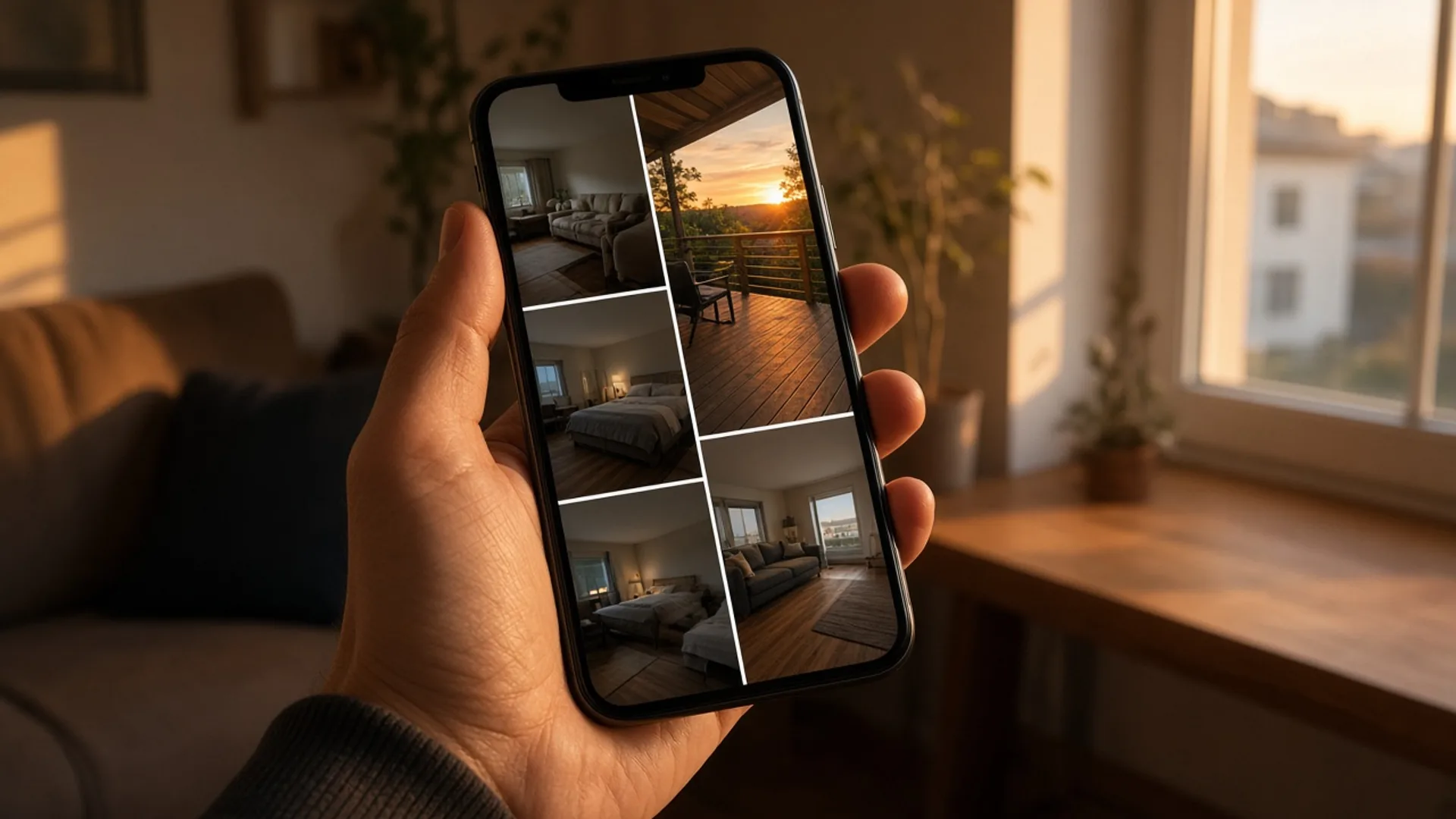
How to Pick the First 5 Photos Guests See Without Paying for a Full Reshoot
You picked your cover photo on purpose. Booking sites may be showing guests a different one. Here's how to check, how to pick the right lead photo, and how to order the five photos guests actually see.
October 9, 2026
10 min
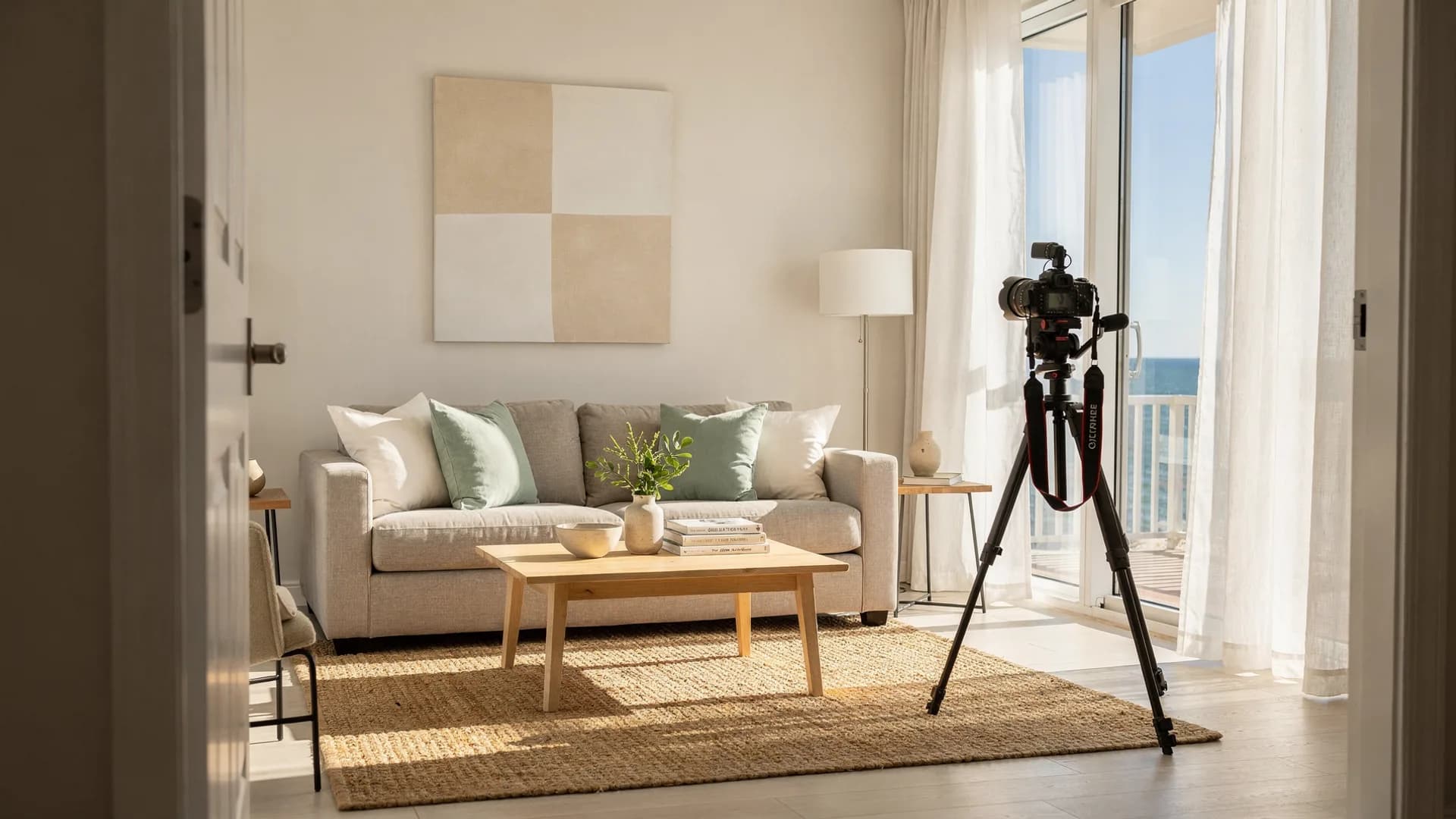
How to Fix Your First Five Airbnb Photos Tonight Without Hiring a Photographer
Your 27th photo can't rescue a weak first impression.
June 3, 2026
6 min
How to Find Out Why Your Airbnb Isn't Showing in Search in 30 Minutes Without Rewriting Your Listing
You search your own town, on dates you know are open, and your place isn't there. Check the usual causes from the guest's side before you rewrite the listing.
October 20, 2026
11 min