Why Do My Airbnb Photos Look Yellow? How to Fix White Balance
Airbnb photos look yellow when warm indoor bulbs fight the camera's white balance. Fix it with a neutral-point correction, keep every photo in the set matched, and turn off mixed lights before you shoot.
You walk into your living room and the walls are a clean white. You open the photo you just took and the same walls look like weak tea.
That yellow cast is one of the most common problems in listing photos, and it's one of the easiest to fix. Here's why it happens, how to correct it in a couple of minutes, and how to keep it from happening at the next shoot.
Why do my Airbnb photos look yellow?
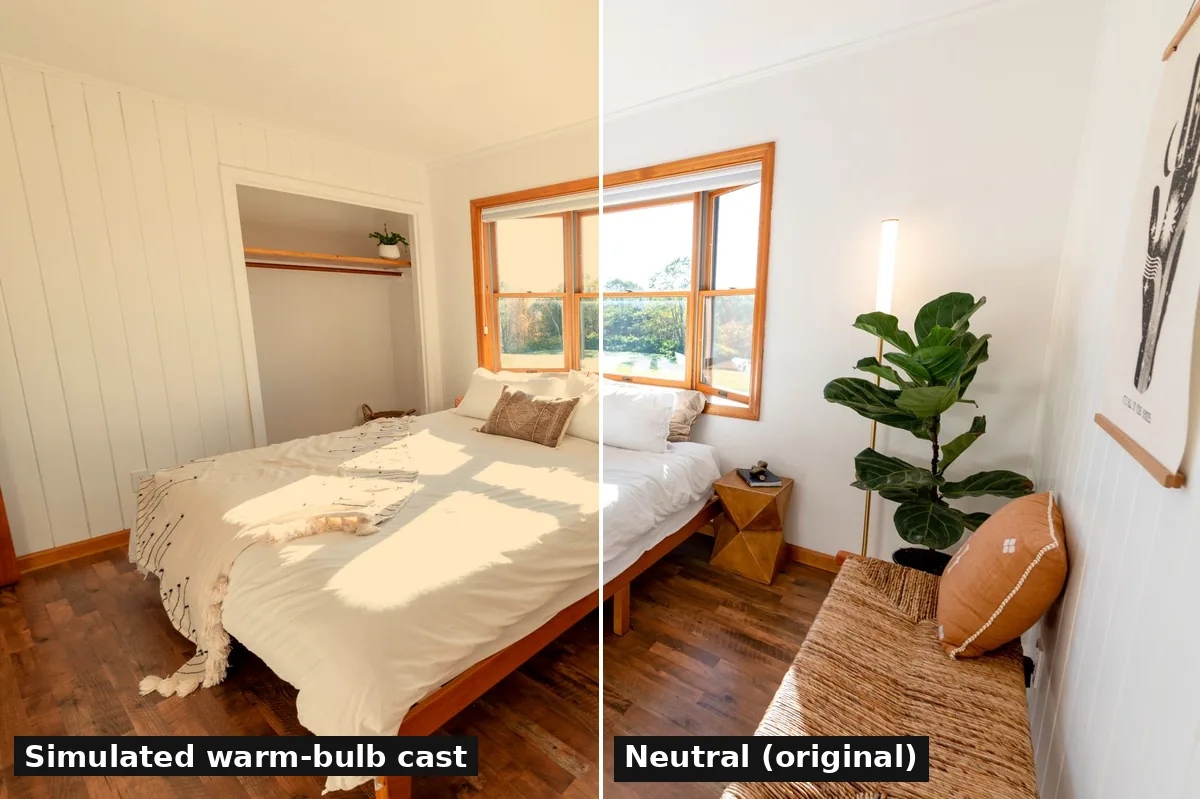
Because indoor bulbs are warm and your camera guessed wrong. Most home bulbs are warm white, and Energy Star's light bulb buying checklist puts warm or soft white around 2700K and daylight around 5000K. Lower numbers look more yellow, higher numbers look more blue.
Your eyes adjust to that warmth without you noticing. A camera has to pick one setting for the whole frame. When it picks wrong, every white surface in the room shows the cast.

What makes it worse?
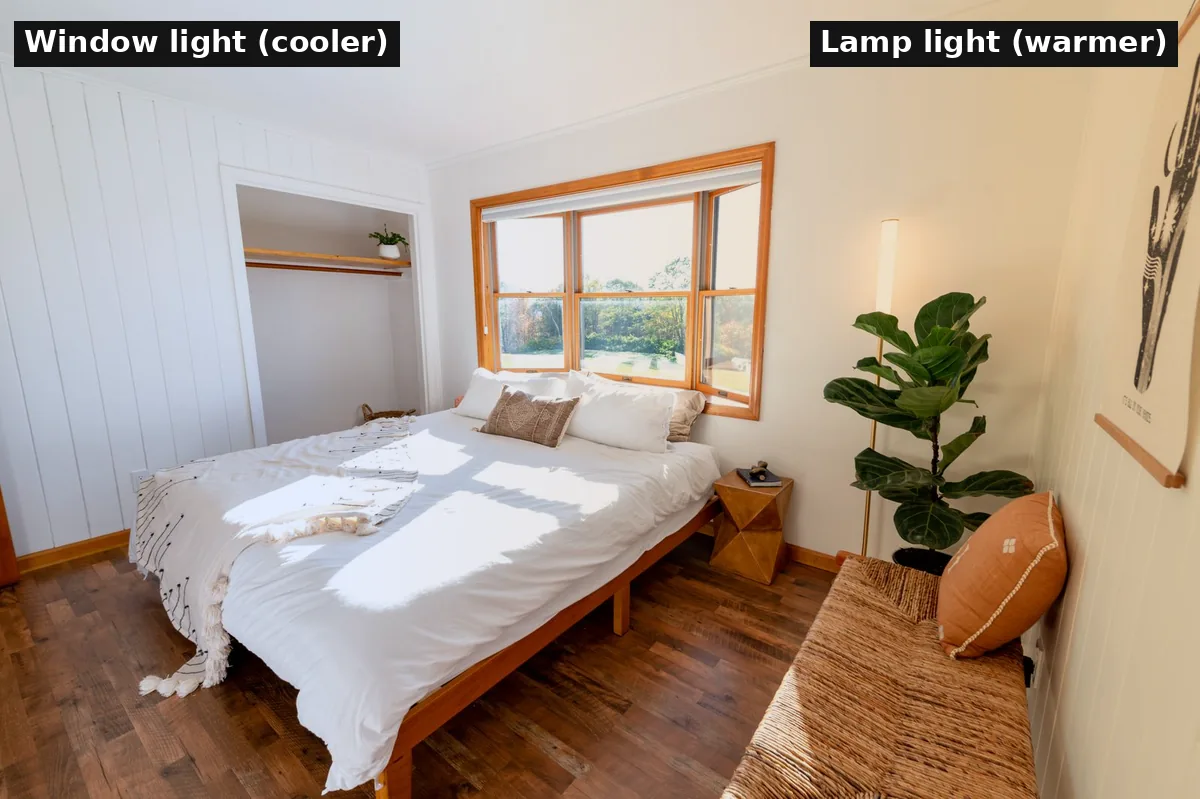
Mixed light. A room lit by a window and a couple of lamps has two colors of light at once. Balance for the window and the lamp corners go orange. Balance for the lamps and the window side goes blue. No single slider fixes both, which is why some photos still look patchy after you correct them.
- Warm lamps next to a bright window. The classic case. One side of the room is neutral, the other is amber.
- Bulbs that don't match. A 2700K lamp beside a cooler ceiling light gives you two casts in one shot.
- Shooting at night. With no daylight, the whole room takes on the bulb color, and phones often only partly correct it.
- Colored walls and floors. Warm wood floors and beige walls bounce warm light onto everything else.
How do I fix yellow photos on my phone?
Find something that should be white, then cool the photo until it is. On an iPhone, Apple's guide to editing photos walks through the Adjust panel in Photos.
- Open the photo, tap Edit, then Adjust.
- Pick a reference. A white wall, a towel, a duvet or a white kitchen cabinet works best.
- Lower Warmth until that reference looks white rather than cream.
- Check Tint. If the room now looks slightly green or pink, nudge Tint the other way until it's neutral.
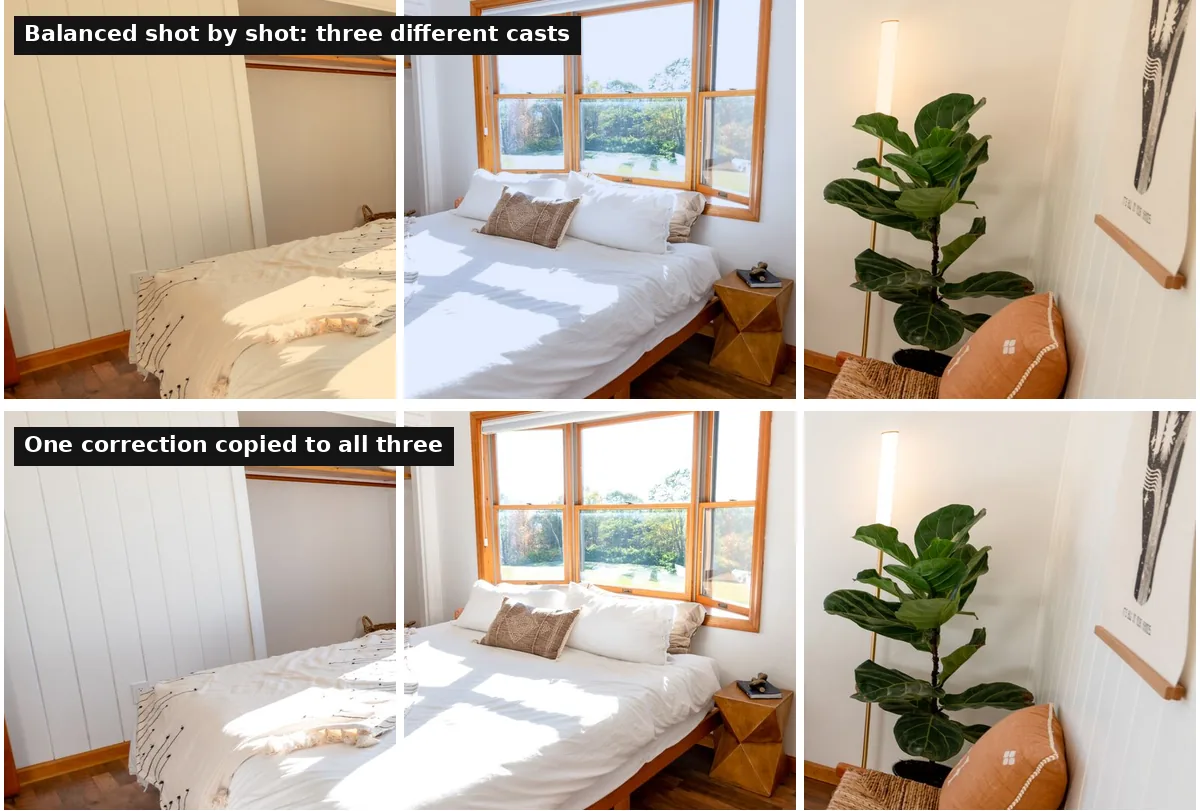
- Copy the fix to the rest of the room. Apple's Copy Edits and Paste Edits apply the same correction to other photos, so the whole set matches.
- Compare before and after. Tap the photo to see the original. If the room now looks cold or gray, you went too far. Back off until it looks like the room did in daylight.
Most Android gallery editors have a similar warmth or temperature slider. The steps are the same: pick a white reference, cool it down, then check tint. If you shoot on a phone, our phone photo guide covers the rest of the setup.
How do I fix white balance in Lightroom?
Use the white balance eyedropper on something neutral. Adobe's tutorial on removing a color cast shows the three options in the Color panel.
- Eyedropper (White Balance Selector). Click an area that should be neutral gray or white. This is the fastest fix for most rooms.
- Temp and Tint sliders. Drag Temp left to cool a yellow photo, then use Tint to remove any green or magenta left over.
- Auto. Lets Lightroom pick a setting. Good as a starting point, then fine-tune by eye.
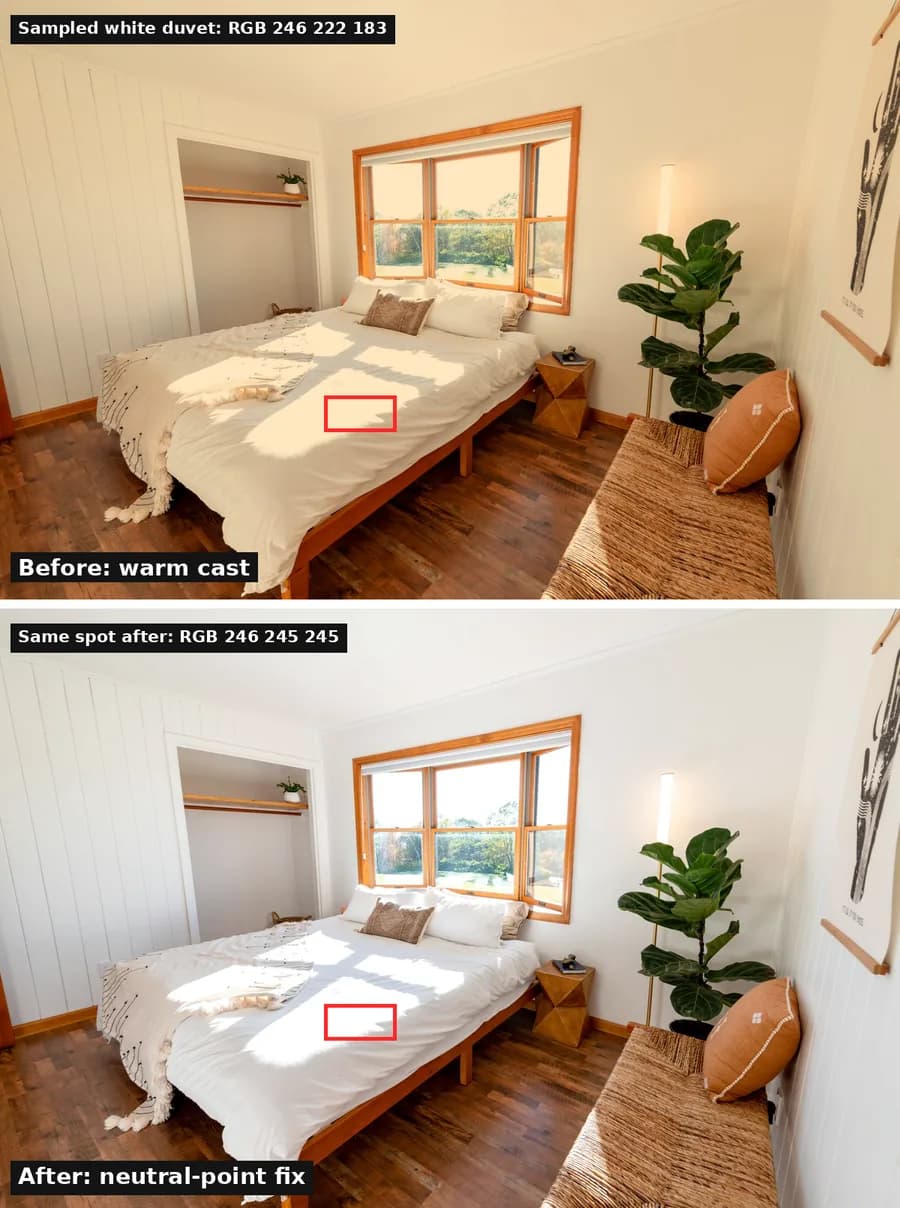
Adobe notes that RAW files give you more room to work, because JPEGs have already been processed. If your camera or phone can shoot RAW, it's worth turning on for listing photos.
Why does every photo in my listing look like a different color?
Because each photo was balanced on its own. Phones decide white balance shot by shot, so the bedroom can come out warm and the hallway next to it cool. Guests scroll the whole gallery, and a set that jumps between yellow and blue makes the place feel less put together.
Fix one photo per room, then copy that setting to the others from the same room and the same time of day. If you manage several listings, or you're mixing an older professional shoot with new phone photos, photo enhancement software can even out light and color across the whole set in one pass. Whatever you use, compare the result with the real room. The goal is the color the walls actually are.
How do I stop photos coming out yellow in the first place?
Shoot in daylight and remove the second light source. Airbnb's guide to taking great listing photos says to turn off the flash, open blinds and curtains, and turn on lights only if the room is still too dark.
- Shoot when the room gets the most daylight. Airbnb suggests planning indoor photos for that time.
- Turn off lamps you don't need. One light color is easy to correct. Two is hard.
- If you need lamps, match the bulbs. Same color temperature in every fixture in the frame.
- Take one test shot and check it on a bigger screen. A cast that's hard to see on a phone is obvious on a laptop.
Dark rooms are the other half of this problem. Our guide to why dark photos make a space look cheap covers exposure and windows.
Is color-correcting listing photos allowed on Airbnb?
Yes. Airbnb's photo guide tells hosts to adjust brightness, contrast and highlights, and correcting a yellow cast simply brings the photo closer to what guests will see. Airbnb's ground rules for hosts are about not misrepresenting the space. Fixing color is fine. Changing what's in the room is a different question, and our guide to what AI edits Airbnb allows covers where that line sits.
If your photos are fixed and bookings still lag, start with your cover and first five photos, then check whether your listing undersells a good place.
Sources
- Airbnb Resource Center: How to take great photos for your listing (updated Nov 8, 2024)
- Airbnb Help Center: ground rules for hosts
- Apple Support: Edit photos and videos on iPhone
- Adobe: Remove a color cast from a photo in Lightroom
- Energy Star: Light bulb purchasing checklist
FAQ
Why do my Airbnb photos look yellow or orange?
Most indoor bulbs give off warm light, and a camera set to balance for daylight records that warmth as a yellow or orange cast. It gets worse when warm lamps and window light are in the same frame, because the camera can only balance for one of them.
What is white balance in a photo?
White balance is the setting that tells a camera or editing app what neutral white looks like under the light you shot in. When it's off, white walls, bedding and towels look yellow, blue or green instead of white.
How do I fix yellow photos on my iPhone?
Open the photo in Photos, tap Edit, then Adjust. Lower Warmth until a white wall or sheet looks white, and use Tint if it turns green or pink. Then use Copy Edits and Paste Edits to apply the same fix to the other photos from that room.
Should I turn off the lights for Airbnb photos?
Turn them off when daylight is enough, since mixing warm bulbs with window light is the main cause of uneven color. Airbnb's own advice is to open the blinds first and turn on lights only if a room is still too dark.
Is it OK to color-correct Airbnb listing photos?
Yes. Airbnb tells hosts to adjust brightness, contrast and highlights. Correcting color so a white wall looks white makes the photo more accurate, not less. What Airbnb's ground rules don't allow is editing that misrepresents the space.
Published October 23, 2026 / 7 min
More in Photos.
Related Reading
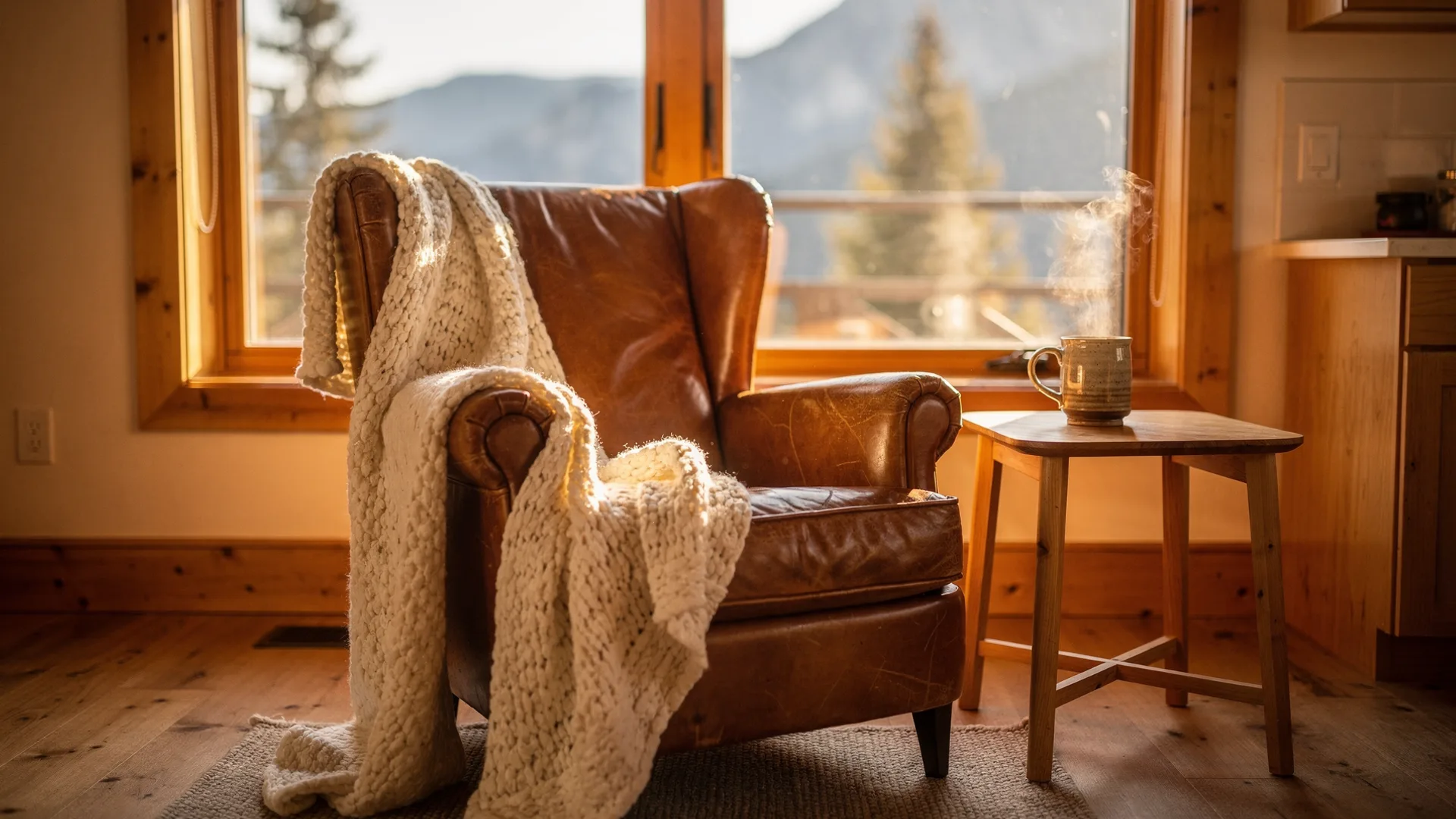
How to Make Your Photos Match Your Real Place in One Weekend Without Remodeling
It feels good when guests say it looks better in person. It may also mean the listing undersold you.
May 30, 2026
12 min
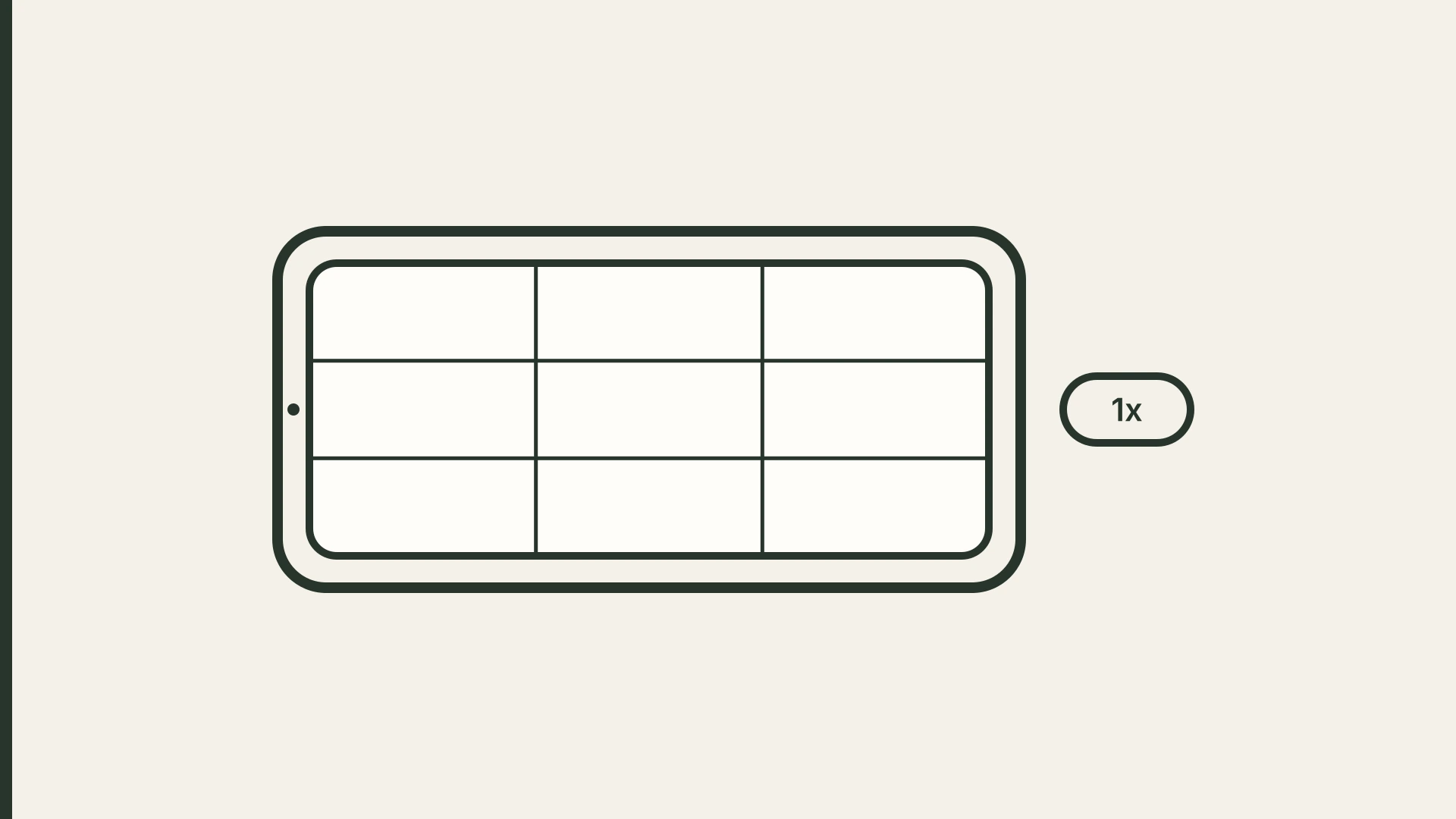
How to Take Airbnb Photos With Your Phone (Skip the 0.5x)
One tap on 0.5x fits the whole room in the frame and makes it look bigger than it is. Here's how to shoot honest listing photos with the phone you already have.
October 20, 2026
8 min
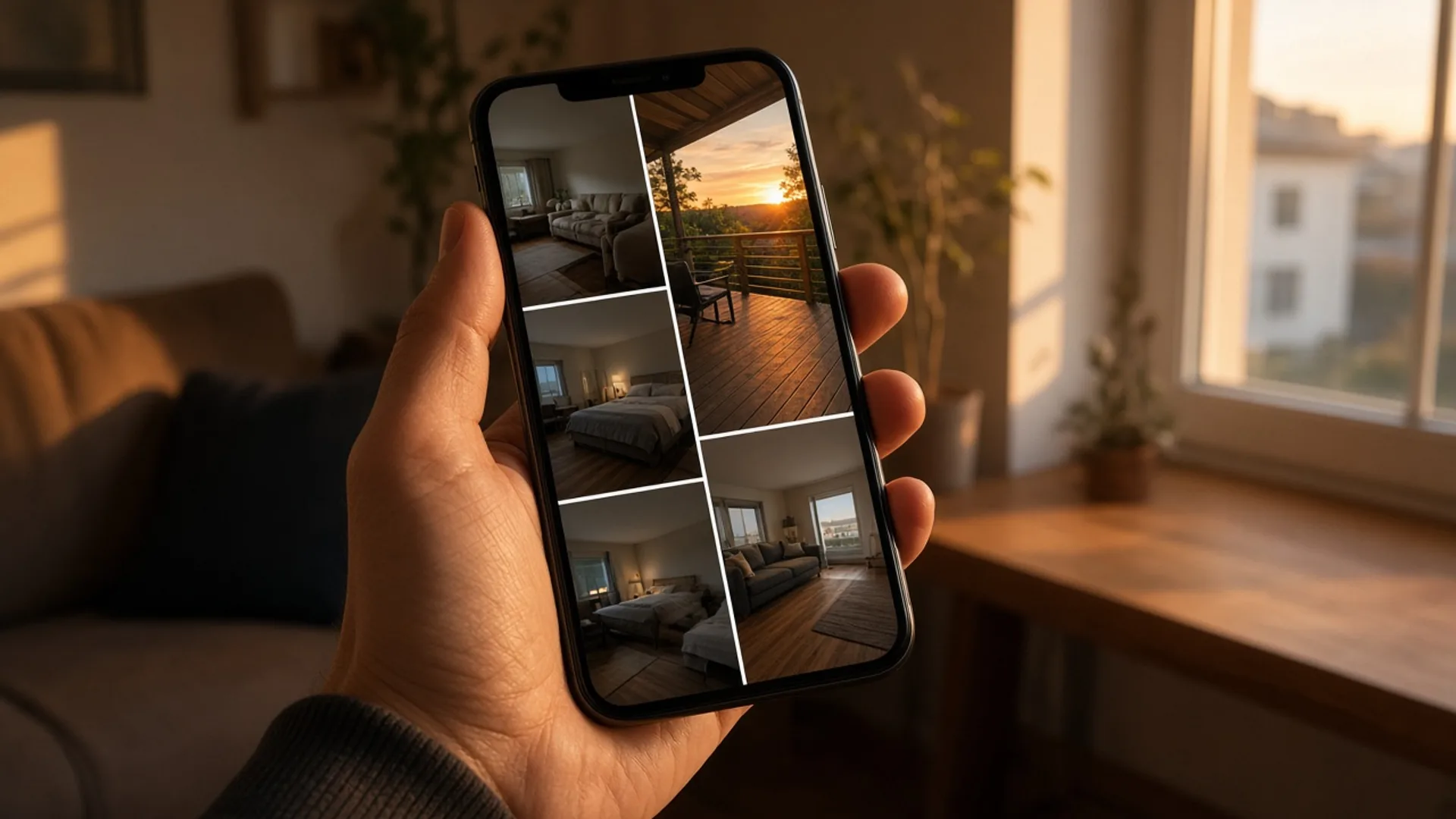
How to Pick the First 5 Photos Guests See Without Paying for a Full Reshoot
You picked your cover photo on purpose. Booking sites may be showing guests a different one. Here's how to check, how to pick the right lead photo, and how to order the five photos guests actually see.
October 9, 2026
18 min
Does Changing Your Airbnb Photos Hurt Your Ranking?
Hosts put off new photos because they're afraid of losing their spot in search. Airbnb doesn't describe any reset. Here's what it does say, and how to swap photos without guessing.
October 22, 2026
7 min
How to Choose a Photo Enhancer for Airbnb Without a Misleading Listing
Published prices and limits for nine photo tools hosts use on Airbnb, including AI editors. No output test and no ranking.
October 21, 2026
19 min